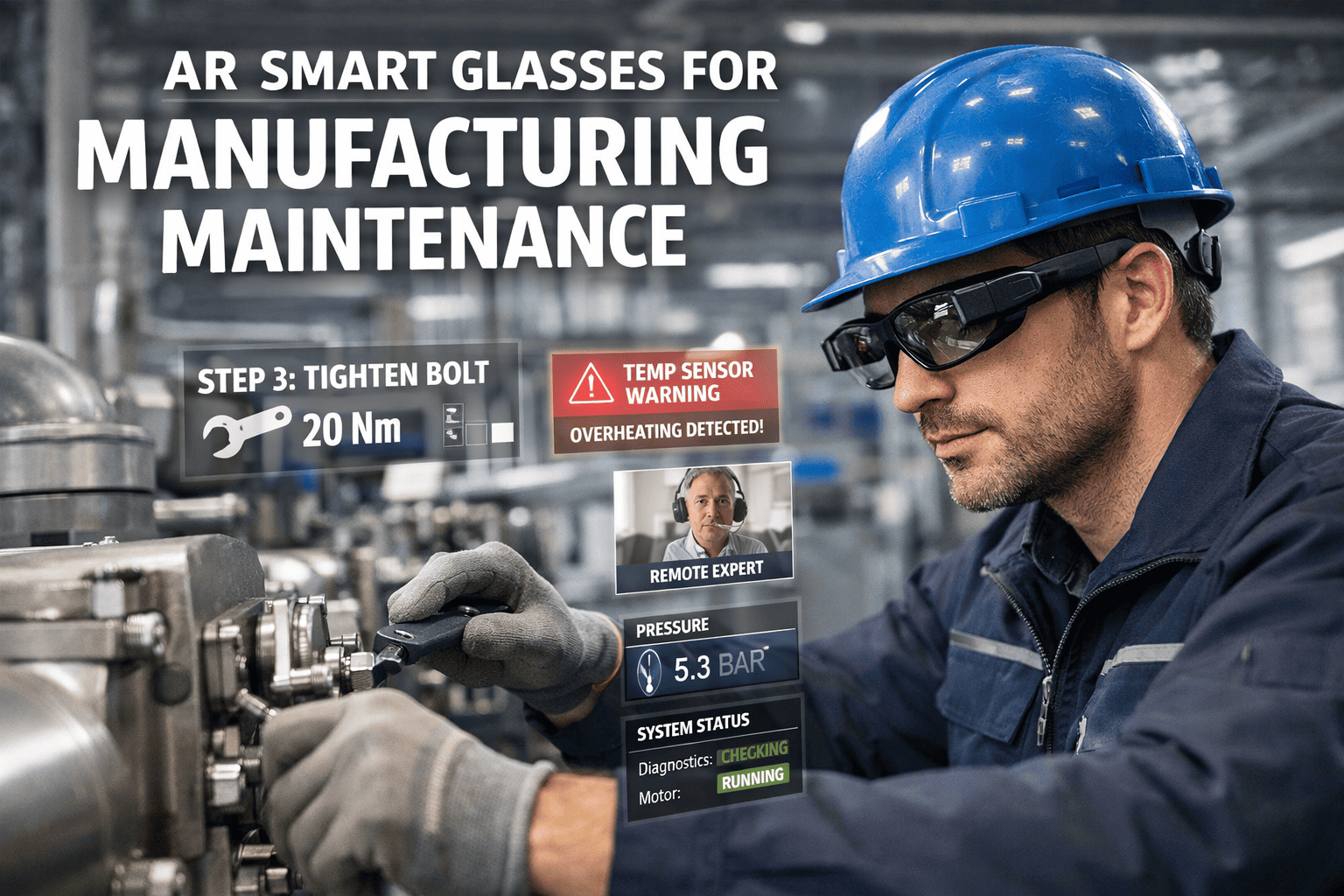
A technician spending 30–40 minutes a day walking back to a desktop terminal to log maintenance tasks is losing nearly 200 hours of productive time per year — before a single wrench is turned. Mobile CMMS apps eliminate that waste entirely: technicians scan a QR code, pull up the asset checklist, execute the task, and close the work order — all from the shop floor, all from their phone. Frost & Sullivan research confirms smartphones boost business productivity by 34% and save an average of 58 minutes per user daily. If your maintenance team is still tethered to a desktop, book a demo to see what a truly mobile-first CMMS looks like on the factory floor.
Mobile CMMS App for Manufacturing Technicians
Everything your technicians need — work orders, asset history, barcode scanning, offline access, and real-time reporting — in one app that works on the shop floor, not just at a desk.
The Hidden Cost of Desktop-Only Maintenance Software
When maintenance software only works at a terminal or office computer, technicians face a fundamental problem: the work happens on the floor, but the system lives somewhere else. The gap between those two locations costs more than most managers realize.
What a Manufacturing-Grade Mobile CMMS Must Do
Not all mobile maintenance apps are built for the factory floor. These are the eight features that separate a true shop-floor tool from a desktop app that happens to work on a phone.
Offline Work Order Execution
Factory floors have dead zones. Your maintenance app cannot. Full offline capability lets technicians create, update, and close work orders with zero connectivity — data syncs automatically the moment network is restored.
QR & Barcode Asset Scanning
Technicians scan the asset tag — full maintenance history, open work orders, parts list, and last inspection date appear instantly. No typing. No searching. No wasted time identifying equipment in a large plant.
Photo & Video Capture
Technicians document failures, completed repairs, and asset conditions with photos directly attached to the work order. No lost paper reports. Evidence that supports warranty claims, compliance audits, and root cause analysis.
Push Notifications & Alerts
New work orders, overdue PMs, and critical asset alerts are delivered instantly to the right technician's phone — with priority level, asset location, and required parts listed. No more missed jobs discovered at end of shift.
Digital Checklists & Procedures
Step-by-step inspection and maintenance procedures delivered directly to the technician's phone — with mandatory fields, pass/fail readings, and sign-off capture. Standardizes execution across every shift and every technician.
Spare Parts Lookup & Logging
Technicians check parts availability, log parts consumed, and trigger reorder alerts — all from the mobile app during the job. Inventory accuracy improves dramatically when logging happens at the point of use, not hours later at a terminal.
Shift Handoff & Team Messaging
Technicians leaving a shift hand off open work orders with notes, photos, and status updates directly in the app. The incoming team sees exactly where each job stands — eliminating the verbal briefings where critical details get lost.
Real-Time KPI Dashboards
Managers see live MTTR, open work order count, overdue PMs, and technician utilization on mobile dashboards — updated as technicians close jobs. Data that was once a weekly report becomes an hourly operational signal.
Your Technicians Could Be Running Mobile Work Orders by Tomorrow
Oxmaint's mobile CMMS app works on any Android or iOS device — no special hardware, no IT setup, no training week. Technicians download the app, get their login, and start closing work orders from the floor on day one. Most plants go fully live within 3–5 days.
A Technician's Full Shift — Powered by Mobile CMMS
Mobile CMMS is not just about logging tasks faster. It transforms how a technician operates across an entire shift — from the first alert to the final sign-off. Here is what a typical 8-hour shift looks like with Oxmaint.
Technician opens the Oxmaint app and sees the day's prioritized work queue — PMs, open work orders, and any critical alerts from overnight sensor data — all ranked by urgency and asset location for efficient routing.
At the first machine, technician scans the QR code. Complete maintenance history, last PM date, failure codes, and open work orders load instantly — no terminal trip, no manual search, no cross-referencing paper logs.
A bearing fails on Line 2. Technician creates a work order from the floor, attaches a photo of the damage, checks parts availability, and requests the bearing — all before leaving the machine. Supervisor sees it on their dashboard in real time.
In a low-connectivity corner of the facility, the app automatically switches to offline mode. Technician completes checklists, logs readings, and closes three work orders — all stored locally, synced automatically once back in range.
Before leaving, technician adds handoff notes to two open work orders — including photos, readings, and next steps. Incoming shift technician opens the app and has full context on every pending job before setting foot on the floor.
Why Technicians Actually Use Oxmaint — and Others Don't
The single biggest failure mode in CMMS implementation is poor technician adoption. A system that looks great in a demo but frustrates technicians on the floor delivers zero ROI. Here is what separates apps technicians embrace from ones they ignore.
What Mobile CMMS Delivers in a Manufacturing Plant
These figures are drawn from industry research and real manufacturing deployments — not marketing projections. Plants that fully adopt mobile CMMS see results within the first 30–90 days of go-live.
Mobile CMMS by Role — What Each Team Member Gains
Mobile CMMS benefits every layer of the maintenance team differently. Here is what each role gets from a fully deployed mobile-first system.
Frequently Asked Questions
What devices does a mobile CMMS app work on in a manufacturing plant?
Most modern mobile CMMS apps, including Oxmaint, run on standard Android and iOS smartphones and tablets — no specialized industrial hardware required. This means technicians can use their existing personal or company-issued phones without any additional device investment. For plants with hazardous environments, most apps are also compatible with ruggedized Android devices rated for those conditions. The key requirement is that the app functions fully offline, since many manufacturing areas have limited or no Wi-Fi coverage.
How long does it take technicians to learn a mobile CMMS app?
With a well-designed mobile-first CMMS like Oxmaint, most technicians are creating and closing work orders within 10–30 minutes of first opening the app — no formal training required. The learning curve is steep only when apps are built for managers and then forced onto technicians: complex menus, too many steps, and poor mobile UX. Purpose-built technician apps prioritize minimal taps, clear task queues, and intuitive QR scanning workflows that feel natural from day one.
Does a mobile CMMS app work in areas with no Wi-Fi or poor signal?
Offline capability is a non-negotiable requirement for any factory-grade mobile CMMS. Oxmaint stores work orders, asset data, and checklists locally on the device so technicians can execute tasks completely offline. All data — completed checklists, photos, meter readings, parts logged — syncs automatically to the server the moment connectivity is restored. This is critical in large plants where Faraday cage effects, concrete walls, and equipment interference create persistent dead zones throughout the facility.
Can a mobile CMMS app replace paper-based maintenance records and forms?
Completely — and this is one of the highest-ROI outcomes of mobile CMMS adoption. Digital checklists with mandatory fields, photo capture, digital signatures, and automatic timestamping replace every paper form used in daily maintenance. The result is not just paperwork elimination — it is a searchable, auditable maintenance record that satisfies OSHA, ISO, and FDA documentation requirements automatically. Book a demo to see how Oxmaint structures compliance documentation for your specific regulatory environment.
How does mobile CMMS improve shift handoffs in manufacturing?
Verbal shift handoffs are where critical maintenance information gets lost — "I think someone was looking at that pump" is not a maintenance strategy. With Oxmaint, technicians add handoff notes, photos, and next-step instructions directly to each open work order before their shift ends. The incoming technician opens the app and sees exactly where every job stands — with full context — before touching a single piece of equipment. Shift continuity improves immediately, and the chronic information loss between shifts becomes a solved problem.
Give Your Technicians the Mobile Tool They Will Actually Use on Day One
Oxmaint's mobile CMMS app works on any Android or iOS device. Offline-capable, QR-scanning, photo-documenting, shift-handoff-ready — and live in 3–5 days. No IT project. No hardware purchase. No training week. Just maintenance that happens on the floor, in real time, with full visibility for your management team.