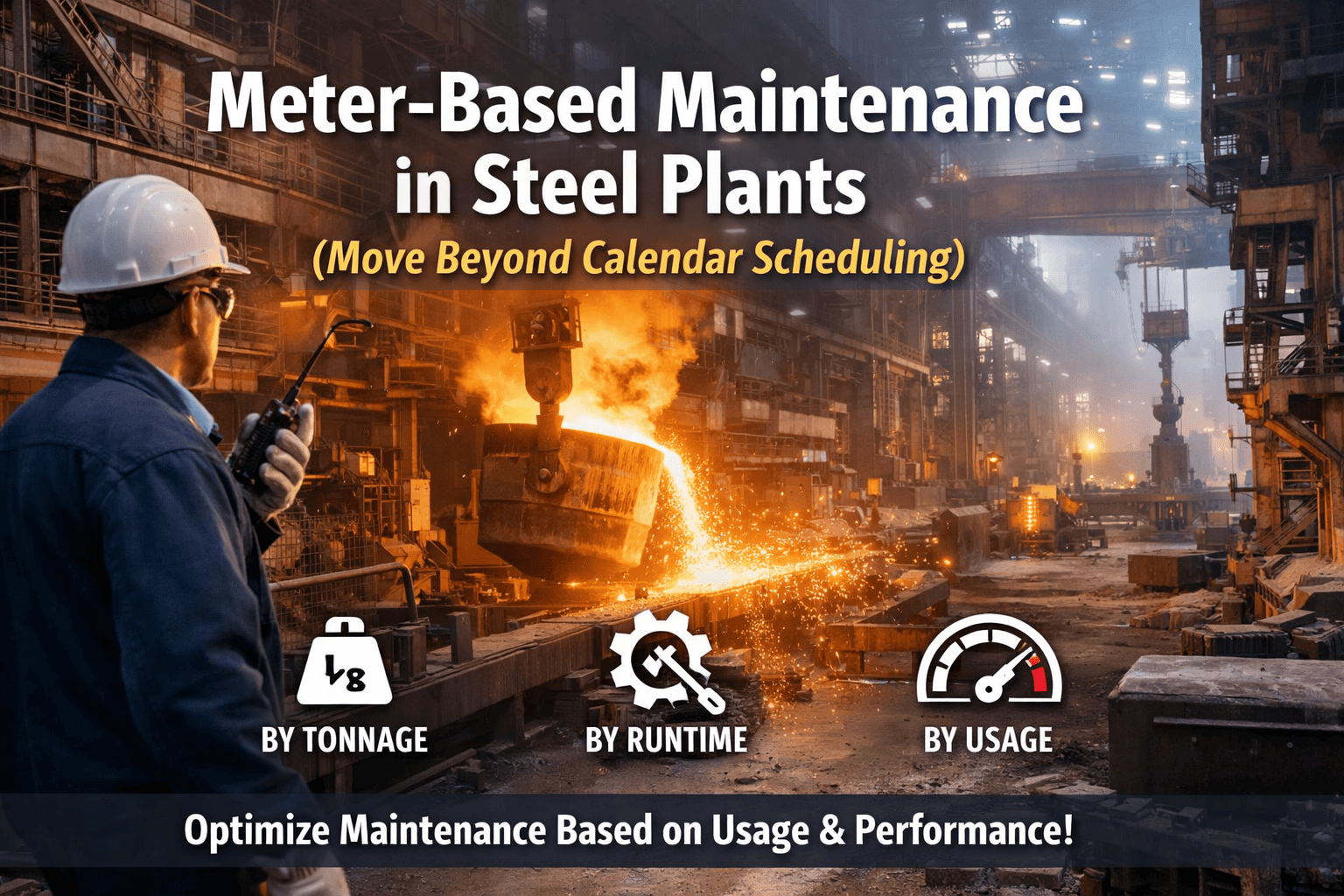
A blast furnace operator at 4:45 AM standing on a casting floor platform does not have WiFi. A crane inspector at the top of a ladle bay has one bar of signal at best. A roll change technician swapping a work roll in a tandem cold mill has grease on their hands and needs to log a deviation without stopping work. Paper forms were designed for this environment — and they fail it in a different way every shift. Lost checklists, illegible handwriting, backdated entries, missing photos, and inspection records that exist nowhere until someone transcribes them into a spreadsheet two days later. OxMaint's mobile inspection app was built for steel plant field conditions: true offline-first operation that captures data, photos, voice notes, and QR scans without connectivity, syncing the complete inspection record the moment the device reaches network range — with no action required from the technician.
Steel Industry · Mobile & Field
Best Mobile Inspection App for Steel Plant Teams
Offline + AI Enabled · iOS & Android
50%reduction in inspection reporting time with mobile-first tools
40%improvement in compliance tracking vs paper-based systems
30%reduction in unexpected equipment failures with AI inspection insights
Asset
Ladle Crane #3 · Bay 7
QR Scanned · 04:47 AM
✓Hook condition — pass
✓Brake hold test — pass
!Wire rope — 3 broken wires J4
?Photo captured · 04:49 AM
Work Order Auto-Created
WO-2026-4471 · Critical · J. Adebayo
Syncing when online · 3 items queued
Why Paper Inspection Forms Fail in Steel Plant Environments
✗
No connectivity in critical zones — casting floors, ladle bays, underground cable cellars, and blast furnace platforms have no reliable WiFi or cellular signal. Web-based tools that require connectivity are unusable where most inspections happen.
✗
Evidence cannot be captured at source — a paper form cannot attach a photo of the broken wire, the crack location, or the oil leak. Without photo evidence, defect reports are disputed, underestimated, or missed by the maintenance team receiving the work order.
✗
Records exist only after transcription — paper inspection data enters a digital system only when someone manually re-enters it, typically hours or days later. Critical findings discovered during the 0600 shift are unknown to the 1400 shift until the transfer log is written up — if it is.
✗
Asset identity relies on human memory — steel plants have 500–2,000 tagged assets across multiple bays and buildings. Inspectors on paper must write asset identifiers manually. QR and barcode scanning eliminates misidentification and confirms the technician was physically at the asset.
OxMaint Mobile — 4 Core Capabilities for Steel Plant Field Teams
True offline operation — not cached forms, not read-only mode. Technicians create inspections, capture photos, record voice notes, and log findings completely disconnected. The full inspection record is stored locally on the device and syncs automatically with zero user action the moment any network is detected. No reconnection prompt, no manual upload, no lost data from dropped sessions.
Works in casting floors, underground cable ducts, blast furnace platforms
Conflict resolution on sync — duplicate finding prevention
Sync confirmation logged with timestamp — auditable evidence of submission
QR & Barcode Asset Scanning
Each asset in OxMaint carries a unique QR code — printed, weather-resistant, fixed to the asset. The mobile camera scans it and pulls the full asset record: last inspection date, open work orders, PM schedule, service history, and the correct checklist for that asset type. No manual search, no wrong asset selected, no possibility of confusing Crane 3A with Crane 3B when both are in the same bay.
Scan works offline — asset data pre-cached for the assigned shift
GPS timestamp confirms physical location at time of scan
NFC tag support for assets in locations where label printing is impractical
Image Capture & Annotation
Every finding that requires evidence gets a photo — mandatory on safety-critical checklist items, optional elsewhere. Photos are timestamped, GPS-tagged, and attached directly to the specific checklist item. The annotation tool draws arrows, circles, and measurement markers on the image in the field. The annotated photo is what maintenance receives on the work order — not a text description that requires interpretation.
Configurable: make photo mandatory on any checklist item
Before/after photo pair for completed repairs — closes the evidence loop
Images stored full-resolution; thumbnails in reports, originals in archive
Voice Notes & AI Transcription
When a technician has gloves on at a roll change or is standing on a vibrating platform during casting, typing is impractical. Voice notes capture the observation in 5 seconds. AI transcription converts the voice note to text and attaches it to the finding automatically. The transcription is reviewed by the technician on their next keypress — the note is already written by the time they reach it.
Transcription works on-device — no cloud connection required for capture
Original audio retained alongside transcription for verification
AI flags safety keywords in voice notes — escalates findings with terms like "crack," "smoke," or "leak"
Put the Right Checklist on Every Technician's Phone Before They Leave the Maintenance Room.
OxMaint pre-caches the day's inspection assignments, asset data, and checklists so the app is ready to work — with or without signal — the moment the technician arrives at the asset.
A Shift in the Field — OxMaint in a Steel Plant
From 04:30 pre-shift to 06:00 handover — how OxMaint mobile changes what field teams do and what the maintenance system knows.
04:30
Shift Assignments Pre-Loaded
OxMaint pre-assigns the day's inspection tasks to each technician's device overnight. By 04:30, the app shows the checklist queue, the assets, and the route — all cached offline. The technician reviews their shift assignments in the maintenance room before entering the plant.
04:47
Asset Scanned at Ladle Bay
Technician scans the QR code on Ladle Crane 3. OxMaint opens the correct pre-shift checklist for a Class F ladle crane — complete with last inspection date, open work orders, and the specific rejection criteria from the steel plant's ASME B30.2 PM template. No navigation required.
04:49
Finding Logged — 3 Broken Wires
Wire rope inspection reveals 3 broken wires in J4. The technician marks the item as failed, takes a close-up photo with annotation, and records a 6-second voice note describing the location. OxMaint flags this as a zero-tolerance ladle crane finding and queues a Critical work order automatically — the crane is tagged Out of Service in the asset record immediately.
04:52
Work Order Created — Maintenance Notified
Work Order WO-2026-4471 is created the moment the device reaches WiFi near the maintenance office. The maintenance supervisor receives a push notification with the annotated photo, location, finding description, and crane out-of-service status — before the technician has finished the next asset. The hot work permit system also locks out any permits for that crane area automatically.
05:50
Shift Report Auto-Generated
By 05:50, the technician's inspection of 14 assets is complete. OxMaint generates the shift inspection report automatically — all findings, photos, pass/fail statuses, and timestamps — ready for the 06:00 handover. The maintenance supervisor on the incoming shift can review the report on their mobile before they reach the gate.
"
We had 400 assets across three bays and a paper-based inspection system that meant nothing was visible until Monday morning when the weekend sheets were transcribed. The shift that found a problem on Saturday was long gone by the time anyone acted on it. With OxMaint mobile, the finding from the 4 AM shift is in the maintenance supervisor's inbox by 4:15 AM — with a photo that tells the whole story in one look. The QR scanning alone cut misidentification errors to zero. Previously, asset ID errors on paper forms were a daily occurrence and required a second visit to verify which crane or which roll had the issue. Now the scan confirms the location and the asset in one second. For a steel plant with limited window for repairs between heats, that time matters enormously.
Marcus Eidenschink, B.Eng (Mechanical), CRL
Maintenance Manager — voestalpine Stahl GmbH (Linz) · 21 Years Steel Plant Maintenance Management · Certified Reliability Leader (SMRP) · Specialist in CMMS implementation, mobile maintenance digitisation, and reliability-centred maintenance for integrated steelworks
Frequently Asked Questions
Does OxMaint's offline mode work in the most connectivity-restricted areas of a steel plant?
Yes — and this is the core design requirement, not an add-on feature. OxMaint pre-caches all assigned inspections, asset data, checklists, and the last 90 days of asset history to the device before the shift begins. From that point, the app operates entirely on-device — creating inspections, capturing photos, recording voice notes, and logging findings without any network request. The complete inspection record syncs automatically when the device encounters any WiFi or cellular signal, whether that is at the maintenance room, the shift office, or when walking past a connected plant area. The sync is transparent — no upload prompt, no user action required. Inspection records from the most restricted blast furnace platforms reach the maintenance system within minutes of the technician returning to a connected zone.
Start your free trial to test offline operation on your plant network.
How does QR code scanning work for asset identification in a steel plant environment?
OxMaint generates QR codes for every asset in the plant hierarchy — printable labels that are applied to the physical asset, typically on a metal tag or weather-resistant adhesive label in a visible, accessible location. When scanned, the code opens the asset record directly — no search, no navigation, and GPS-timestamped confirmation that the technician was at the physical asset location. For assets in environments where adhesive labels are impractical (high heat, vibration, chemical exposure), OxMaint supports NFC tags and manual asset search as fallback options. The
AI predictive maintenance system uses the same asset QR codes — sensors attached to a tagged asset report anomalies that appear in the asset record the technician sees when they scan.
Book a demo to see the QR tagging workflow for steel plant asset hierarchies.
How does a finding on the mobile app connect to the permit-to-work system?
When a critical finding is logged on OxMaint mobile and a corrective work order is created, the
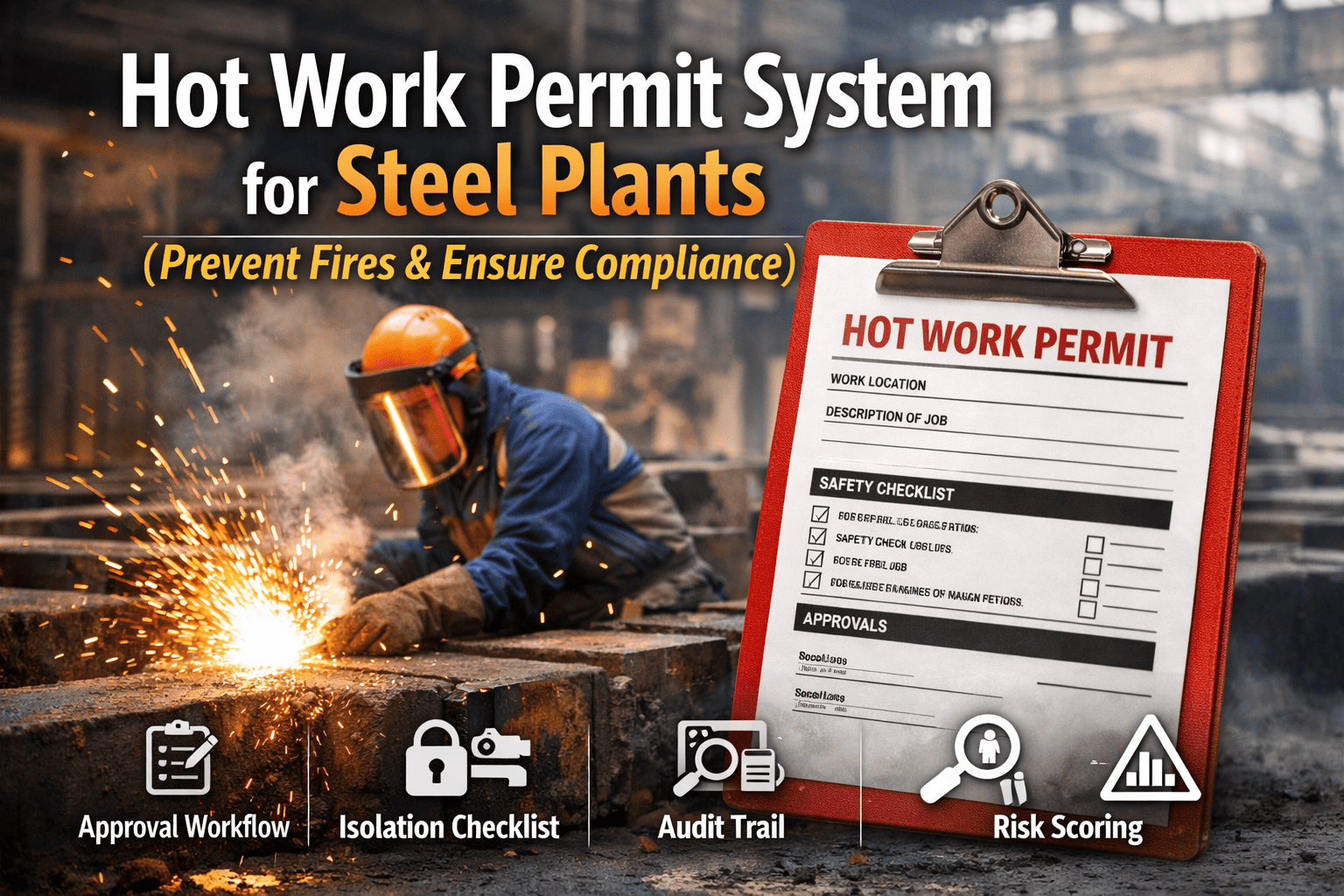
permit-to-work module is notified automatically. If the asset is tagged Out of Service, no PTW can be issued for that asset or its associated work zone until the Out of Service condition is cleared by a qualified person. Conversely, when maintenance work on the repaired asset requires a hot work permit, the PTW request links to the originating work order and inspection finding — so the approval chain has full context of what the inspection found, what the repair involves, and what hazard assessment is required. This closed-loop from mobile inspection to PTW to maintenance work order to sign-off is the full audit trail that OSHA, insurance carriers, and incident investigators require.
Sign in to configure the mobile-to-PTW workflow for your steel plant.
How does the SCADA and plant control system connect to what the mobile app sees?
OxMaint's mobile app displays real-time asset status pulled from the
Start Free Trial